

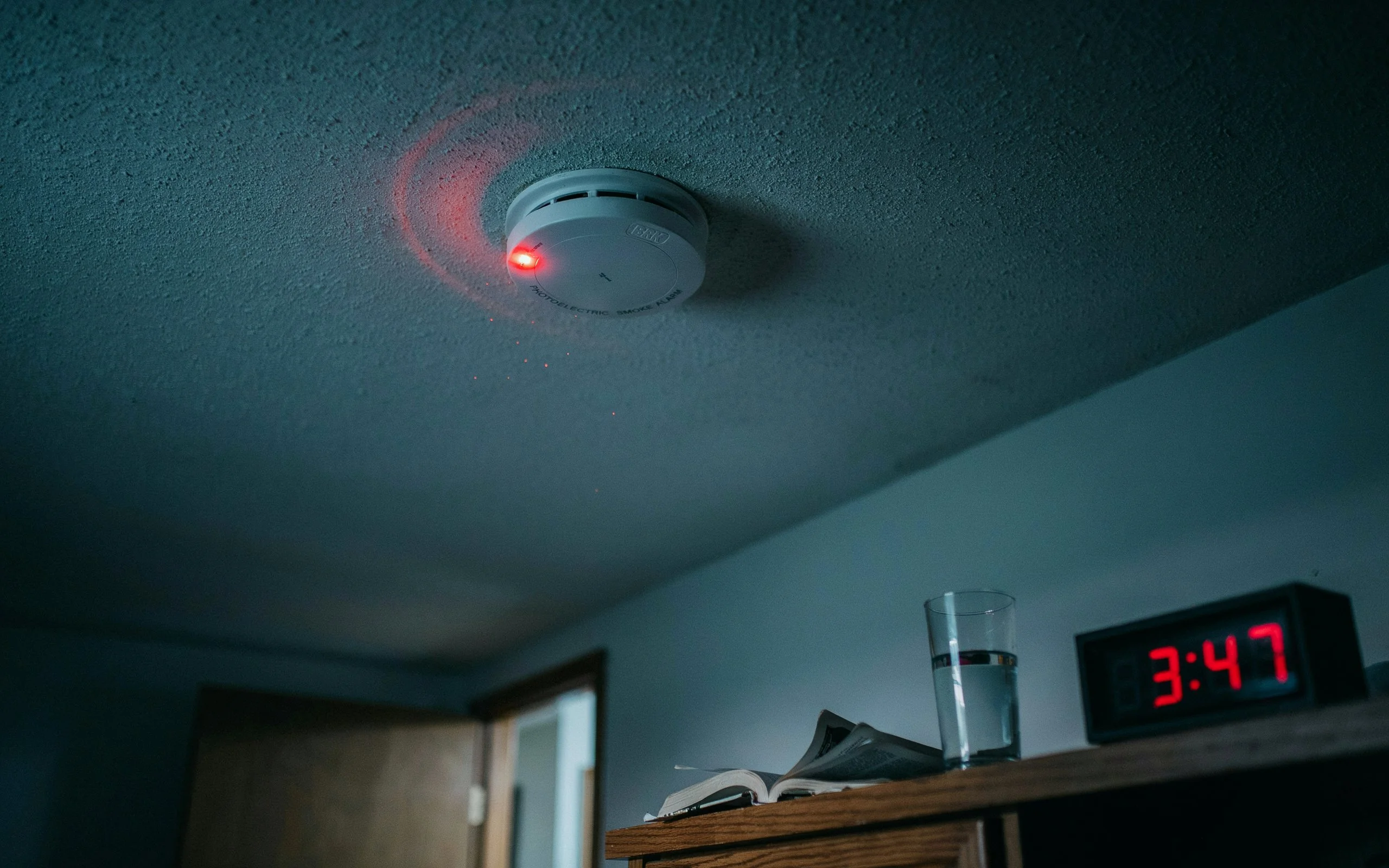

Smoke Detector Beeping: Complete Guide to Causes, Solutions, and Prevention
A smoke detector is one of the most important safety devices in any home. It quietly watches over your family day and night, ready to alert you when danger appears. But what happens when it starts making an annoying chirping or beeping sound for no obvious reason?
Many people experience a smoke detector beeping unexpectedly in the middle of the night or during a busy day. The sound can be frustrating, confusing, and sometimes even alarming. Is there a fire? Is the battery dead? Is the detector malfunctioning?
The good news is that most beeping issues have simple explanations and easy solutions. Understanding why your detector is making noise can help you fix the problem quickly and ensure your home remains protected.

1. Understanding Smoke Detectors
Smoke detectors act like silent guardians in your home. Their primary job is to detect smoke particles and alert occupants before a fire becomes dangerous.
There are generally two main types:
- Battery-powered detectors
- Hardwired detectors with battery backup
Both serve the same purpose but may produce different warning signals when something goes wrong.
Think of a smoke detector as a car dashboard warning light. When it beeps, it is trying to communicate that something needs attention. Ignoring those signals can compromise your safety.
2. Why Smoke Detectors Beep
Different Sounds Mean Different Things
Not every beep means there is a fire.
Common reasons include:
- Low battery
- Dust buildup
- Sensor contamination
- Temperature changes
- Electrical issues
- End-of-life alerts
- Improper installation
The timing of the beeps often provides clues. For example, a single chirp every minute usually indicates a battery problem, while continuous loud alarms may indicate smoke detection.
Understanding Alarm Patterns
Manufacturers design detectors to communicate through specific sound patterns. Reading your device manual can help identify the exact issue.
3. Low Battery Warning Signs
The Most Common Cause
A weak battery is responsible for most smoke detector chirping sounds.
When battery power drops below a safe operating level, the detector emits a short beep at regular intervals. This warning ensures homeowners replace batteries before the detector stops functioning.
Why It Happens at Night
Many people notice chirping during nighttime. Cooler temperatures can slightly reduce battery voltage, causing the detector to trigger a low-power warning.
This is why a detector may remain quiet all day and suddenly start chirping after midnight.
Signs of a Weak Battery
- Intermittent chirping
- Random beeps every 30–60 seconds
- Flashing indicator lights
- Reduced responsiveness
4. Battery Replacement Steps
How to Replace the Battery Properly
Follow these simple steps:
- Remove the detector from its mounting bracket.
- Open the battery compartment.
- Remove the old battery.
- Insert a fresh battery with correct polarity.
- Close the compartment securely.
- Reinstall the detector.
- Press the test button.
Choose Quality Batteries
Using high-quality batteries often improves reliability and extends operating life.
Avoid mixing old and new batteries or using damaged batteries.
Reset After Replacement
Sometimes chirping continues even after installing a new battery. Holding the test button for 15–30 seconds often resets the device.
5. Dust and Dirt Problems
How Dust Affects Sensors
Dust particles can interfere with sensitive smoke sensors.
Over time, dirt accumulates inside detector vents and chambers, confusing the device and causing false warnings or chirping.
Cleaning the Detector
Proper cleaning includes:
- Turning off power if hardwired
- Removing the detector
- Vacuuming exterior vents
- Using compressed air carefully
- Wiping surfaces with a dry cloth
Avoid spraying liquids directly into the detector.
Importance of Regular Cleaning
A clean detector operates more accurately and experiences fewer false alarms.
6. Environmental Triggers
Humidity and Moisture
Bathrooms and kitchens often create excess humidity.
Steam from hot showers or cooking can mimic smoke particles and trigger alerts.
Temperature Fluctuations
Extreme heat or cold may affect detector performance.
Locations near:
- Attics
- Garages
- Heating vents
- Air-conditioning units
can cause irregular operation.
Insects and Small Debris
Tiny insects sometimes enter detector chambers and interfere with sensors, leading to unexpected beeping.
7. Hardwired Detector Issues
Electrical Connection Problems
Hardwired systems rely on household electricity.
Loose wiring, power interruptions, or connection faults may trigger warning sounds.
Backup Battery Concerns
Even hardwired detectors contain backup batteries.
Many homeowners forget about these batteries because the detector is connected to electrical power. When backup batteries weaken, chirping begins.
Power Surge Effects
Electrical fluctuations may occasionally confuse detectors and require resetting.
8. End-of-Life Warnings
Smoke Detectors Don’t Last Forever
Many people are surprised to learn that smoke detectors have a limited lifespan.
Most units need replacement after approximately 8–10 years.
Built-In Expiration Alerts
Modern detectors often chirp when they reach the end of their service life.
No amount of cleaning or battery replacement will stop these warnings permanently.
Checking the Manufacture Date
Look for a label on the back or side of the detector. If it is approaching ten years old, replacement is usually the best solution.
9. Troubleshooting Process
Step-by-Step Diagnosis
If your detector keeps beeping:
Step 1: Check for Smoke
Ensure no actual fire or smoke source exists.
Step 2: Replace Batteries
Install fresh batteries.
Step 3: Clean the Unit
Remove dust and debris.
Step 4: Reset the Detector
Use the test/reset button.
Step 5: Inspect Age
Verify manufacturing date.
Step 6: Check Wiring
If hardwired, inspect connections or consult an electrician.
Document Recurring Issues
Keeping track of beep patterns may help identify persistent problems.
10. Preventive Maintenance
Monthly Testing
Press the test button once every month.
Testing confirms the detector remains functional and capable of responding during emergencies.
Semi-Annual Cleaning
Clean detectors at least twice a year.
This simple habit significantly reduces nuisance alarms and sensor contamination.
Battery Schedule
Many homeowners replace batteries annually, often during daylight-saving time changes.
A consistent schedule reduces the risk of low-battery warnings.
11. When to Replace a Detector
Signs Replacement Is Needed
Replace the detector if:
- It is over 10 years old
- Frequent false alarms occur
- Chirping persists despite troubleshooting
- Physical damage is visible
- Sensors fail testing
Benefits of New Models
Modern detectors often include:
- Improved sensors
- Better reliability
- Battery-life indicators
- Smart home compatibility
- Enhanced safety features
Investing in updated equipment improves household protection.
12. Safety Tips for Homeowners
Install Detectors Strategically
Recommended locations include:
- Bedrooms
- Hallways
- Living areas
- Each floor of the home
Avoid Poor Placement
Do not install detectors too close to:
- Cooking appliances
- Bathrooms
- Ceiling fans
- Air vents
Proper placement improves accuracy.
Create an Escape Plan
Smoke detectors are only part of fire safety.
Every household should practice emergency escape routes and meeting points.
13. Common Mistakes to Avoid
Ignoring Chirping Sounds
A beeping detector should never be ignored. Even if it seems minor, it indicates something requires attention.
Removing Batteries Permanently
Some people remove batteries to stop the noise and forget to replace them.
This creates a dangerous situation because the detector can no longer provide protection.
Skipping Maintenance
Like any safety device, smoke detectors need regular care and attention.
Using Incorrect Batteries
Always use batteries recommended by the manufacturer.
Conclusion
A smoke detector beeping unexpectedly can be annoying, but it is usually trying to communicate an important message. Whether the cause is a low battery, dust buildup, environmental conditions, wiring issues, or an aging device, addressing the problem quickly helps maintain your home’s safety.
Think of your smoke detector as a trusted guardian standing watch over your family. When it chirps, it is asking for a little attention so it can continue doing its job effectively. By performing regular maintenance, replacing batteries on schedule, and upgrading older units when necessary, you can enjoy peace of mind knowing your home remains protected around the clock.
FAQs
1. Why does my smoke detector beep every 30 seconds?
This usually indicates a low battery, though it can also signal maintenance needs or end-of-life warnings.
2. Why is my smoke detector beeping after I changed the battery?
The detector may need a reset, cleaning, or replacement if it has reached the end of its lifespan.
3. How often should smoke detector batteries be replaced?
Most standard batteries should be replaced annually unless the manufacturer recommends otherwise.
4. Can dust cause a smoke detector to beep?
Yes. Dust, debris, and even insects can interfere with sensors and trigger warning sounds.
5. How long does a smoke detector last?
Most smoke detectors should be replaced every 8–10 years, depending on manufacturer recommendations and usage conditions.
