

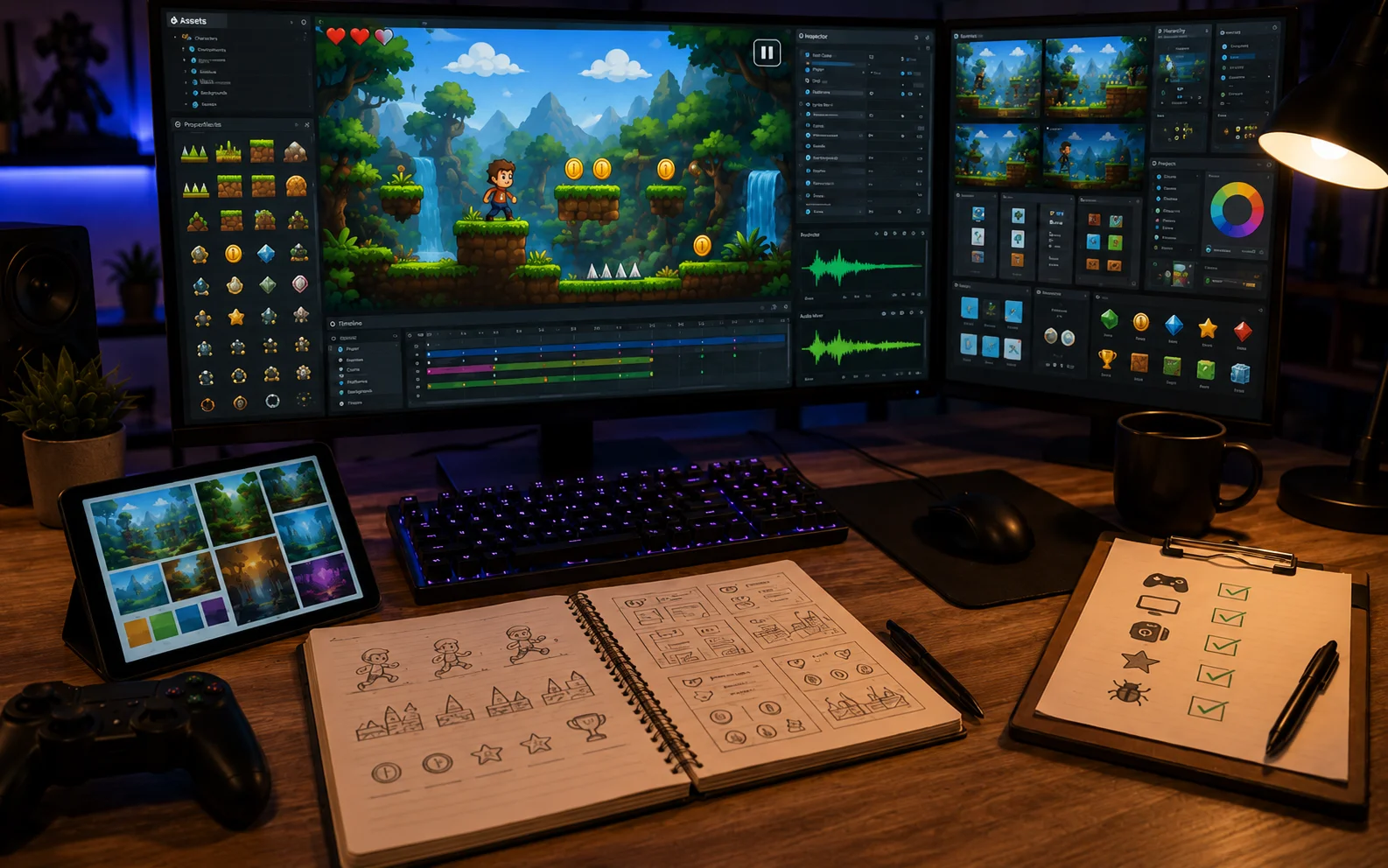

Many AI generated games have good ideas and working mechanics, but they still feel rough and unfinished. Players notice when a game lacks polish, the visuals may look basic, the sound may be missing, the menus may be confusing, or small details may be overlooked. These issues make even fun games seem amateur. The difference between a basic game and a professional one often comes down to careful finishing touches. The good news is that you can add polish to your AI game without starting over. Small, consistent improvements in visuals, sound, interface, and flow can make a huge difference in how players perceive your game.
This guide shows you clear and practical steps to elevate your AI generated game so it feels complete, smooth, and high-quality. Follow these methods, and your game will leave a much better impression on players.
Why Polish Makes a Big Difference
Polish turns a working game into one that feels cared for. When animations are smooth, sounds match actions, menus are clean, and small details are consistent, players trust the game more and enjoy it longer. Without polish, even great mechanics can feel cheap or rushed. In AI-generated games, the system often creates the main content quickly but skips the finishing touches. Adding these details yourself helps the game stand out and feel like a complete product rather than an early prototype. Players are more likely to recommend and return to a game that feels professional.
Four Key Areas to Focus On for Polish
Concentrate your efforts on these four important areas to make your game feel professional.
- Visual Consistency: Ensure colors, sizes, and styles look uniform across all screens and generated content.
- Smooth Animations and Effects: Make movements, transitions, and feedback look natural and satisfying.
- Clear User Interface: Design menus and on-screen information that are easy to understand and pleasant to use.
- Sound and Feedback: Add appropriate sounds and visual responses for every important action.
Improving these areas creates a cohesive experience that feels well-made from start to finish.
Improving Visual Quality and Consistency
Start by choosing a consistent art style and color palette for the entire game. Make sure all generated levels use the same visual rules so nothing looks out of place. Adjust sizes and spacing so buttons, text, and important objects are easy to see on both large and small screens. Add subtle background details and lighting effects that enhance the mood without distracting from gameplay. Clean up any rough edges or mismatched elements that the AI may have created. Small touches like better shadows, smoother edges, and balanced colors make the game look much more professional. Test your game on different devices to ensure the visuals remain clear and appealing everywhere.
Refining Animations and User Interface
Smooth animations make actions feel responsive and satisfying. Shorten or improve character movements, button presses, and transition effects so they look natural. Add simple particle effects or screen flashes for important moments like collecting items or completing levels. Design your user interface to be clean and intuitive. Keep only the most necessary information on screen during gameplay. Make menus simple with clear labels and logical navigation. Use consistent button styles and readable fonts across all screens. A well-polished interface helps players focus on the fun instead of struggling to understand the game.
Adding Quality Sound and Feedback
Sound plays a big role in making a game feel complete. Add short, clear sound effects for every major action, jumping, collecting items, hitting obstacles, and winning levels. Choose background music that matches the mood of your game and does not become annoying during long play sessions. Provide immediate visual and audio feedback for player actions. A bright flash, score popup, or satisfying sound when something good happens makes the game feel rewarding. Consistent feedback across all generated content helps the entire game feel unified and professional.
Four Practical Steps to Polish Your Game
Use these four steps to systematically improve the quality of your AI game.
- Review Every Screen: Check menus, gameplay, and end screens for consistency in style, colors, and layout.
- Test All Actions: Play through the game multiple times and improve any animation or response that feels rough or delayed.
- Add Missing Details: Include sound effects, particle bursts, and small visual touches that were overlooked during initial creation.
- Get Fresh Feedback: Ask others to play the polished version and note any areas that still feel unfinished.
Work on one area at a time and test after each improvement.
Testing for Professional Quality
Play your game as if you were seeing it for the first time. Look for anything that feels cheap, confusing, or out of place. Pay special attention to how the game feels after playing for twenty or thirty minutes. Ask a few friends or family members to test the game and give honest opinions about what feels professional and what still needs work. Use their feedback to make final adjustments before considering the game complete. A strong example of a polished AI-generated game is Chaos Race. You can try it on Astrocade. Notice how the visuals, controls, and overall presentation feel clean and well-finished. Use it as inspiration for the level of polish you want to achieve.
Keeping Polish Simple and Effective
You do not need hundreds of detailed effects to make a game feel professional. Focus on consistency, smoothness, and clear feedback. A few well-chosen improvements often have more impact than many small ones. As you add new features or levels, revisit the polished elements to make sure everything stays consistent. Regular small touches during development prevent the game from feeling unfinished at the end.
Wrapping Up
Making your AI game feel professional and polished is about paying attention to the small details that create a complete experience. By focusing on visual consistency, smooth animations, a clear interface, and quality sound and feedback, you can turn a basic AI-generated game into one that looks and feels high-quality. Whether you create a game with Astrocade or other easy tools, these practical steps help you add the finishing touches that impress players and encourage them to keep playing. Start by reviewing your current version for obvious rough spots and improve one area at a time. With steady attention to polish, your game will stand out as a well-made experience that players respect and enjoy. A polished game shows care and quality, which leads to better reviews, longer play times, and more satisfied players.
