


Control Video Direction Precisely with an AI Video Generator
For today’s video production, accuracy, speed, and creative consistency are essential. Time constraints, lack of skill, and tedious editing tasks are the challenges of manual direction. Structured control over visuals, pacing, and narrative flow is needed by content creators. Pippit can make this easier by providing AI-assisted video creation. It enables the structured input for efficient direction of scenes, styles, and transitions. This process aids in streamlining and refining creative concepts into final videos, reducing complexity and ensuring consistency across productions.
The Importance of Creative Control in Modern Video Production
Creative control: The ability to communicate a message and engage an audience with a video. Advanced editing software, multiple versions, and technical know-how may be needed as part of a typical editing process. These problems affect production and can reduce flexibility in terms of responding to rapid content requirements. With automated and user-defined direction, Pippit makes this easy. It offers support for controlling visuals, timing, and story elements. Directional input affects the result of creativity, while automation performs repetitive tasks. This equilibrium enables faster production without sacrificing artistic vision or story clarity across various video types and platforms.
Understanding Video Direction in AI-Powered Content Creation
Video direction in an AI environment is more about setting up the video’s direction, behavior, and emotion. An AI video generator that comprehends structured prompts to compose coherent scenes according to creative objectives. The goal of a narrative can be well-defined to help you develop a story from start to finish. Scene flow describes the visual flow and logical sequence of visuals between timelines. The tone management guarantees emotional stability throughout the video. Using attention guidance to successfully draw attention to key visuals and messages. Every frame created aligns with the outcomes, whether for marketing, storytelling, or educational content creation.

Precision Control Features Offered by Pippit’s AI Video Generator
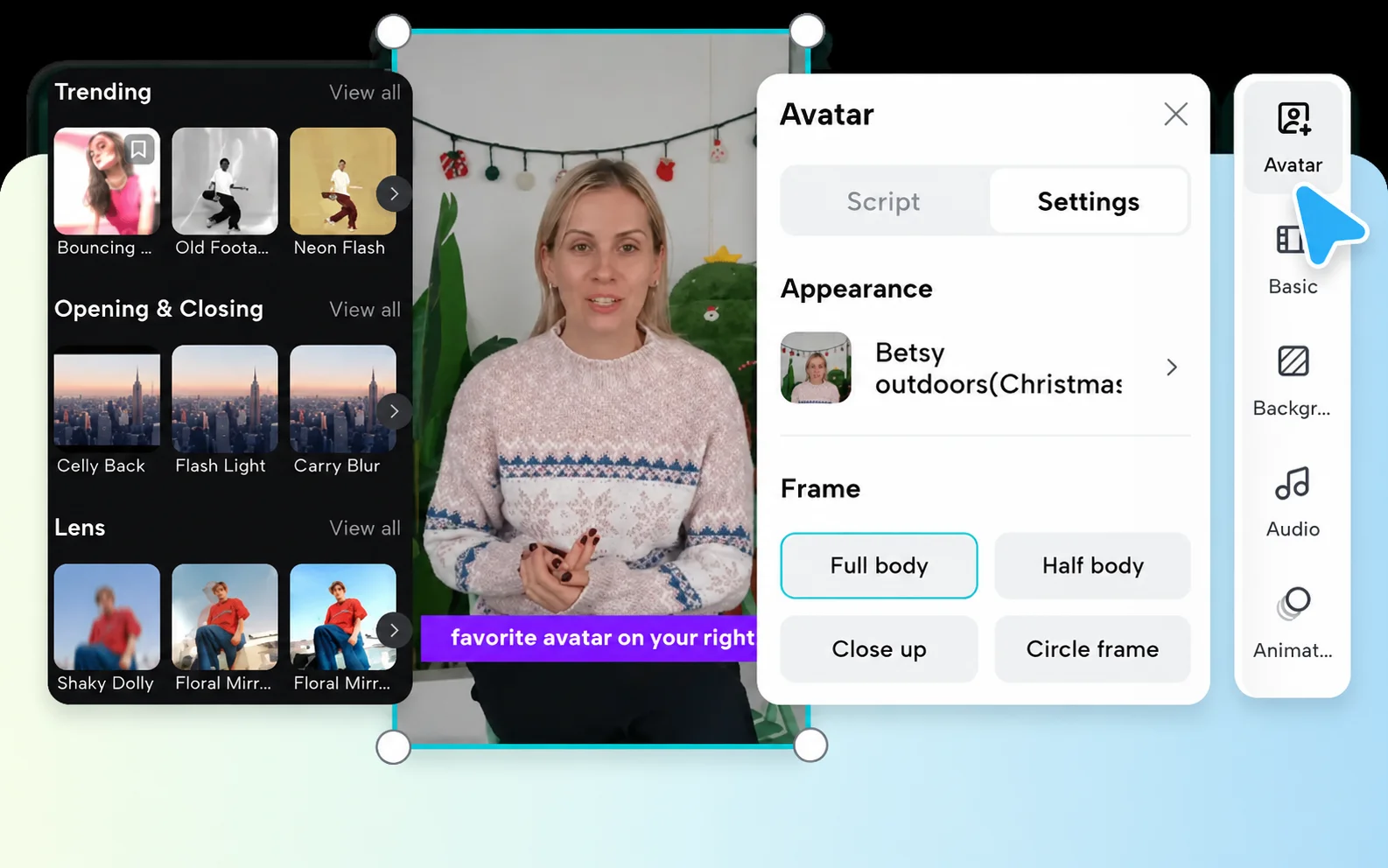
Pippit provides high-level control and organized creative control of each video element. Prompt-based, detailed direction enables users to describe scenes, moods, and actions in detail. Scene-by-scene customization enables the individual control of each scene in the video. Motion adjustments are used to fine-tune the movement of objects and visuals from frame to frame. AI-driven sequencing puts clips into logical storytelling sequences. Using style selection, different outputs can be produced with different visual themes and models. AI character feature: Animates characters according to scripted actions to increase engagement and depth in videos, enhancing storytelling.

Steps to Control Video Direction Precisely with an AI Video Generator
Step 1: Define your creative direction
- Sign up for Pippit and access the platform.
- Go to the “Video generator” section from the dashboard.
- Select an AI model, including Dreamina Seedance 2.0, Pippit Standard, Pippit Max, or Pippit Lite.
- Write a detailed text prompt that clearly outlines the visual style, tone, and direction you want.
- You can also choose the video length, language, subtitles, and aspect ratio before generation.
- Click “+” to upload reference images or videos from your device, phone, Dropbox, or a link. You may also use available assets when reference files are not available.
- Click “Generate” after setting your preferences.
Step 2: Generate a direction-focused video
- Once you click “Generate”, Pippit’s AI video generator creates a video using your prompt and reference materials.
- The AI automatically manages transitions, pacing, captions, avatars, voice, lyrics, and visual enhancements based on the direction provided.
- Several video drafts become available for evaluation.
Step 3: Fine-tune the outcome
- Use the “Download” tab below the video to save the draft instantly. Select “Regenerate” if you want a different interpretation. For advanced customization, click “Edit more” in the upper-right corner to enter the editing interface.
- Adjust captions, insert text, and modify size, color, alignment, filters, and effects.
- Add background music, remove backgrounds, and enhance visual details to match your intended direction.
- Click “Export” when the video meets your expectations.
- Select “Publish” to post on TikTok, Instagram, or Facebook, or choose “Download” to save the video in your preferred format, resolution, frame rate, and quality.
Building Clear Video Direction Through Effective Prompt Design
Clear prompt design, leading to accurate video generation and fewer rounds of revisions. Starting, middle, and ending sequences should be different. Visual style directions help create consistency in style and theme. Camera motion preferences control scene motion behavior. Pacing expectations establish the pace and flow of a story. Character behavior descriptions ensure proper actions and expressions. Scene transition guidance helps facilitate seamless transitions between scenes. In all the video scenarios, robust prompt engineering ensures that the creative vision and AI-generated content are coherent.
Customizing Motion, Scenes, and Story Progression
Motion/Scene customization provides better control of the story and more visual engagement. Users can adjust movement patterns to produce dynamic or stable images, depending on their purpose. Order refinement of scenes ensures logical sequencing and better flow of the story. Time shifts are made to synchronize visuals with voice-over or background music. Through all segments, thematic continuity and consistent story development. Smart transitions help the viewer experience and reduce abrupt transitions. These controls provide structured guidance and enable flexible editing, while eliminating the need for complex manual editing processes and high technical skills to achieve a high-quality final product.
Benefits of Precise AI Video Direction Control
Precision control can make a significant difference in output quality and creative efficiency. It will help you maintain consistency across your stories from one video project to the next. Production time reduces due to the automation of repetitive editing tasks. Creative freedom can be enhanced by flexible, prompt-based direction systems. The more precise the instructions that the AI follows, the more accurate it will be. Automated scene arrangement and motion handling reduce workload in the editing room. This provides the opportunity to deliver content to marketing and social platforms faster through shorter production cycles. These benefits make AI video creation extremely effective for scalable, professional video production needs.
Strategies for Maximizing Directional Accuracy
- Give detailed and organized directions for each scene detail.
- Use reference images or clips to visually line up.
- Thoroughly check the drafts created during review before exporting.
- Have a clear, creative vision when developing prompts.
- Utilize built-in editing and regeneration tools to perfect outputs.
Conclusion
The use of AI-powered solutions revolutionizes video direction in modern video workflows. Pippit gives structure and control to transform ideas into engaging visual stories. It combines automation with artistic input for consistent and flexible outcomes. A high degree of customization options aids in meticulous control of scenes, movement, and story. This enables efficient, effective video production, saving time and resources while accommodating diverse video formats and platforms.
