

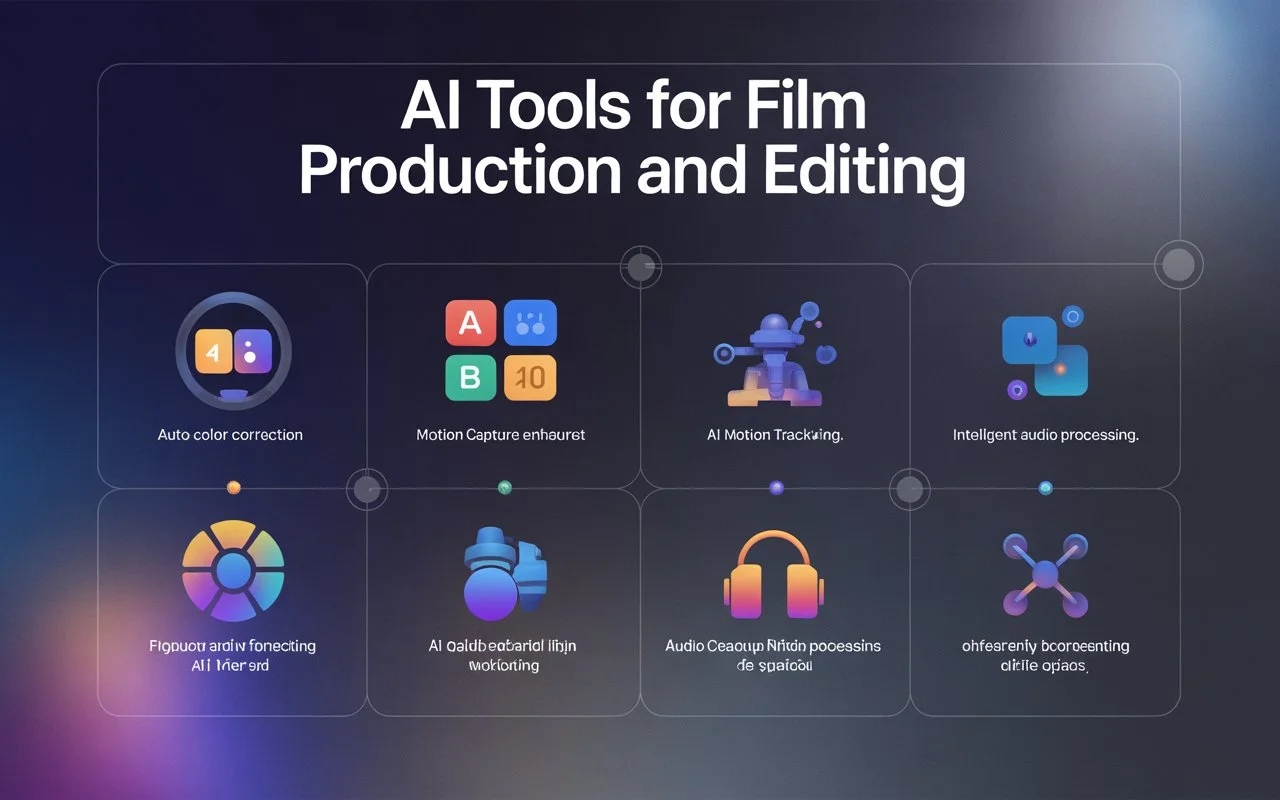

AI Tools for Film Production and Editing
Filmmaking has always been part craft, part chaos. Scripts change, footage piles up, edits stretch late, and small teams often carry too much at once. That is why AI tools for filmmakers are becoming harder to ignore.
The shift is not just hype. Grand View Research estimates the U.S. AI video generator market generated USD 140.1 million in 2025 and could reach USD 617.1 million by 2033. That growth reflects a real production need: faster drafts, cleaner workflows, and more room to focus on the creative calls that still need a human eye.
In this guide, we will break down where AI fits into film production and editing, what it can realistically improve, where it still falls short, and how filmmakers can choose tools without letting the tech flatten the story.
TL;DR
- AI tools for filmmakers help reduce repetitive production work, including script organization, footage sorting, rough cuts, subtitles, audio cleanup, and visual planning.
- These tools work best when they support clear tasks, not when they are expected to replace creative direction or production judgment.
- Film teams can use AI in pre-production, editing, sound, visual effects, localization, and finishing workflows without handing over the full process.
- The biggest risks include generic output, unclear usage rights, privacy concerns, visual errors, weak pacing, and over-reliance on first drafts.
- The right AI tool should fit the filmmaker’s workflow, support revision, protect creative control, and save real production time.
What Are AI Tools for Filmmakers?
AI tools for filmmakers are software systems that help with planning, editing, sound, subtitles, visual references, and post-production tasks. They do not replace creative judgment, but they can make repeated production work easier to manage.
- Pre-production support: They can help organize scripts, scene notes, shot ideas, and early visual references before production begins.
- Editing assistance: They can support rough cuts, transcript-based edits, clip sorting, and repetitive timeline cleanup.
- Audio improvement: They can reduce background noise, clean dialogue, and prepare captions for better accessibility.
- Visual workflow help: They can assist with object removal, scene concepts, color matching, and basic visual effects support.
- Production efficiency: AI tools for film can reduce manual work, especially when teams need faster drafts or multiple content versions.
The best AI tools support the filmmaker’s process without taking over the story. They work well when you use them for clear tasks, then review every output with creative and technical judgment.
Why AI Is Becoming Part of Film Production
AI is becoming part of film production because teams need faster ways to plan, edit, test, and refine work without losing creative control. It helps reduce repetitive tasks so filmmakers can focus on story, performance, and pacing.
- Faster pre-production: Teams can organize scripts, shot lists, references, and scene notes before production gets crowded.
- Quicker editing cycles: AI can sort footage, create rough cuts, remove silences, and support transcript-based edits.
- Better content repurposing: One shoot can become trailers, teasers, social clips, captions, and localized versions.
- Lower manual workload: Editors, producers, and assistants spend less time on transcription, tagging, and file organization.
- More creative testing: Filmmakers can try visual ideas, scene directions, and edit variations before committing resources.
AI fits film production best when it handles the heavy prep and cleanup work. The creative decisions still sit with people who understand mood, timing, performance, and what the audience should feel.
Key Use Cases of AI Tools in Film Production
AI tools now support several parts of film production, from early planning to final delivery. The U.S. AI video market reached USD 11.2 billion in 2024, showing how quickly video teams are adopting AI-led workflows.
-
Script Development and Scene Planning
AI can help filmmakers shape rough ideas before production begins. It works best for organizing drafts, spotting gaps, and turning broad concepts into usable planning material.
- Draft support: Helps outline scenes, summarize scripts, and identify pacing issues before the team moves into production.
- Planning clarity: Turns scripts into shot ideas, scene notes, character beats, and early production checklists.
-
Storyboarding and Visual References
AI can create early visual directions when a team needs to align quickly. These references help directors, producers, and designers discuss the look before spending on production.
- Concept testing: Helps explore framing, mood, locations, costumes, and scene style before shoots begin.
- Pitch support: Gives teams rough visuals for decks, client approvals, or internal creative discussions.
-
Video Editing and Rough Cuts
AI can reduce the slowest parts of early editing. It helps editors get organized faster, but the final rhythm still needs human judgment.
- Clip organization: Sorts footage, labels scenes, detects silences, and supports transcript-based editing.
- First-pass edits: Builds rough cuts that editors can refine for pacing, tension, emotion, and story flow.
-
Sound Cleanup and Dialogue Support
Audio issues can slow down post-production, especially when teams work with noisy locations or mixed recording quality. AI can help clean files before detailed sound work begins.
- Dialogue cleanup: Reduces background noise, balances speech, and improves clarity for review cuts.
- Accessibility support: Helps create captions, subtitles, and translated drafts for wider distribution.
-
Visual Effects and Finishing Support
AI can assist with time-heavy visual tasks, especially when teams need quick fixes or early creative tests. It still needs supervision when realism and continuity matter.
- Scene cleanup: Supports object removal, background extension, rotoscoping, and basic frame repair.
- Look consistency: Helps with color matching, visual references, and early effects previews before final finishing.
AI works best when each tool has a clear job. Use it to speed up planning, sorting, cleanup, and review, then let filmmakers make the final calls on story, tone, and audience impact.
Limitations Filmmakers Should Consider Before Using AI
AI can speed up production, but it also adds creative, legal, and quality risks. Filmmakers need to treat AI output as a draft, not a finished creative decision ready for release.
- Creative sameness: AI can make visuals, edits, or scripts feel predictable without strong human direction.
- Rights uncertainty: Source material, likeness, voice, and training data terms need careful review before commercial use.
- Quality gaps: AI output may include visual errors, weak timing, unnatural voices, or inconsistent scene details.
- Privacy concerns: Uploading scripts, footage, or client material can create data security issues.
- Over-reliance: Teams may lose the specific judgment that makes a film feel intentional and human.
AI is useful when filmmakers stay in control of the final work. The safest approach is to test carefully, review rights, protect sensitive material, and make creative decisions with the team.
How to Choose the Right AI Tools for Filmmaking
Choosing the right AI tool starts with the exact problem you need to solve. A tool for subtitles may not help with editing, storyboards, sound cleanup, or visual effects.
- Match the workflow: Start with the task, such as planning, editing, audio, captions, or visual effects.
- Test real footage: Use your own scenes, scripts, and audio before trusting the output.
- Check export options: Make sure files work with your editing software and delivery process.
- Review usage rights: Confirm commercial rights, data policies, voice permissions, and likeness rules.
- Measure time saved: Pick tools that reduce real production effort, not tools that only look impressive.
The right tool should make the production process lighter, not more complicated. Choose based on fit, control, quality, and how easily your team can revise the output.
AI Tools for Film Production vs. AI Tools for Editing
Production and editing tools solve different problems, even when both use AI. Production tools help before or during filming, while editing tools shape footage after the shoot.
- Production planning: Helps with scripts, shot lists, schedules, references, and scene breakdowns.
- Creative alignment: Supports visual planning, pitch materials, location ideas, and early mood references.
- Editing workflow: Helps sort footage, build rough cuts, remove silences, and organize timelines.
- Post-production cleanup: Supports subtitles, audio repair, color matching, and simple visual fixes.
- Human review: Both need filmmakers to check tone, continuity, pacing, and story logic.
Production tools help teams prepare better. Editing tools help teams move through footage faster. The strongest workflow uses both carefully, with people guiding the creative direction from start to finish.
Are AI Tools Replacing Filmmakers?
AI tools are changing film workflows, but they are not replacing filmmakers. They can speed up drafts, cleanup, and planning, while directors, editors, writers, and producers still shape the story, emotion, and final decisions.
- AI can assist: It helps with repetitive work like sorting clips, captions, rough cuts, and audio cleanup.
- Filmmakers still lead: Story choices, performances, pacing, and tone need human direction.
- Taste still matters: AI can generate options, but it cannot judge what feels right for the audience.
- Context is limited: AI may miss cultural nuance, character motivation, or subtle visual continuity.
- Control is essential: Human review keeps the film consistent, original, and production-ready.
AI works best as a creative assistant, not the filmmaker. It can shorten the path from idea to draft, but the final film still depends on human intent.
Common Mistakes to Avoid When Using AI in Film Production
AI can be useful, but weak inputs and poor review can turn it into extra work. Filmmakers get better results when they use it for specific tasks instead of handing over the entire process.
- Starting without a goal: Use AI for a defined task, such as subtitles, cleanup, storyboards, or rough edits.
- Trusting first drafts: Review every output for accuracy, timing, continuity, and emotional fit.
- Ignoring rights: Check voice, likeness, footage, music, and commercial-use terms before publishing.
- Skipping team review: Editors, producers, and directors should approve AI-assisted work before release.
- Forcing AI everywhere: Some scenes need patience, performance direction, and hands-on creative judgment.
The biggest mistake is treating AI as a shortcut for taste. Use it where it removes friction, then let the filmmaking team protect the story, style, and final quality.
Final Thoughts!
AI tools for filmmakers are not here to take the camera, rewrite the story, or make every creative decision. Their real value is simpler: they help teams move faster through planning, editing, cleanup, captions, and review so more energy stays with the film itself.
The best results come when filmmakers stay in charge. Use AI to handle the repeatable work, test ideas, and reduce production drag. Then bring human judgment back where it matters most: emotion, timing, performance, style, and the final cut.
FAQs
- Can AI help during pre-production?
Yes. AI can organize scripts, scene notes, shot ideas, references, and early planning material before production begins.
- Can filmmakers use AI for rough cuts?
Yes. AI can sort clips, remove silences, and support transcript-based edits, but editors still shape pacing and emotion.
- Is AI useful for sound cleanup?
AI can reduce background noise, clean dialogue, and prepare captions. Final audio still needs human review for tone and clarity.
- What should filmmakers check before using AI output commercially?
They should review rights, source material, voice permissions, likeness use, privacy terms, and commercial usage rules.
- Where does AI usually fall short in filmmaking?
AI can miss context, character nuance, continuity, emotional timing, and the creative judgment needed to make a film feel intentional.
